Nightmare Frontier Line of Sight and Line of Fire Guide
Version 1.0 LoS and LoF clarity pass: white visibility highlights on hover, gray blocked fire paths with obstruction markers, and why readability matters for Ricochet and Horror fights.
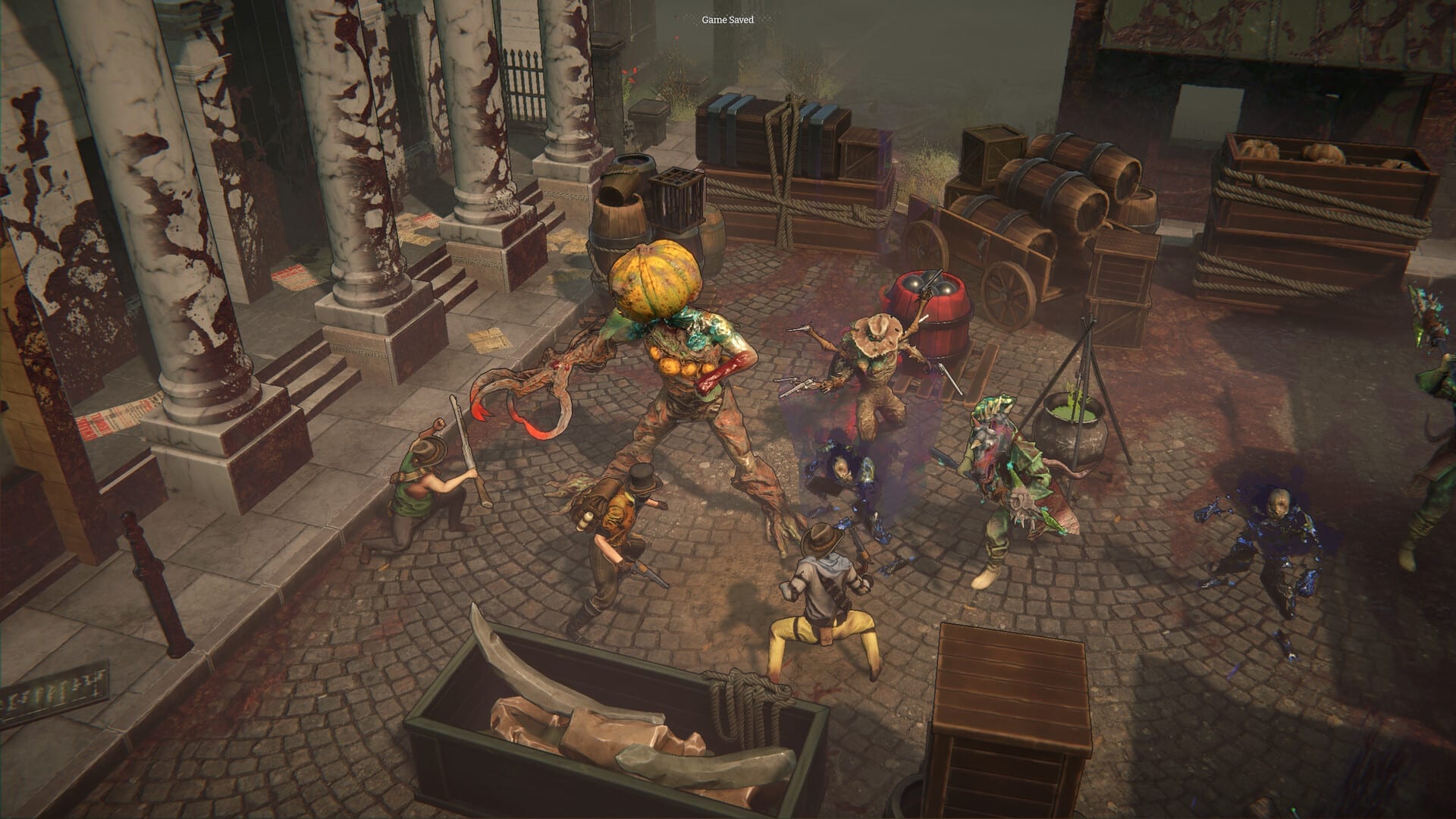
Nightmare Frontier combat is fully deterministic—no hit rolls, no hidden accuracy taxes. That fairness only helps if you can read the board. Version 1.0 added a line of sight (LoS) and line of fire (LoF) clarity pass so Scavengers stop guessing why a shot failed or why a Dreadweaver still feels “safe” behind cover.
Why 1.0 invested in readability
Early Access fights already rewarded clever positioning, Ricochet angles, and hazard shoves. Launch systems piled on more spatial punishment—Horror Status taxes slow clears, Docks Overboard deletes anyone near open water. Opaque LoS/LoF feedback turned honest mistakes into rage-quits. Publisher notes for Version 1.0 called out clearer targeting visuals as a headline QoL win.
Line of sight on movement
When you hover movement cells, Nightmare Frontier now highlights all visible units and targets in white. Use this every turn one:
- Mark which Dreadweavers your anchor can see before you commit
- Identify elevation surprises on pier and crane maps (Districts & Map)
- Plan controller routes that keep allies inside vision for combo turns
LoS is not LoF. Seeing a unit does not mean you can shoot it cleanly—check fire paths next.
Line of fire on targeting
Target indicators now draw clear LoF paths. If something blocks the shot:
- The line grays out
- The obstructing object gets a gray cross marker
This pairs directly with Combat & Ricochet planning: when direct LoF fails, metal props may still offer bounce lines—if you read the board instead of force-clicking the target.
Watch deterministic combat in motion
Developer gameplay footage shows turn-by-turn board reads where positioning—not RNG—decides wipes versus clears.
LoS/LoF habits for Ricochet crews
- Hover before you move — white highlights expose flank routes
- Click targets twice — confirm gray crosses before pivoting to ricochet
- Shove into visible hazards — LoS tells you who watches the kill
- Extract when LoF clutter spikes — busy boards mean more blocked lanes and Horror time tax
Handgun specialists should rebuild muscle memory after migration; pre-1.0 intuition about “probably visible” lies on 1.0 boards.
LoS/LoF on objective and Horror nodes
Tactical objectives often add interactables that obscure lanes. Horror fights punish reposition mistakes—read LoS before you step into a push cone on Docks tiles. The Extraction Helper cannot replace board literacy; it only helps you leave once literacy says you should.
Controller and accessibility notes
Full controller support remains in 1.0 (Controls). LoS hover equivalents may feel slower on pad—budget extra turn time on Nightmare Level 3+ nodes. Slower reads beat fast wipes.
Related systems
- Combat verbs: Combat & Ricochet
- Pressure timing: Horror Status, Nightmare Levels
- Launch changelog: Version 1.0
Nightmare Frontier never hid information to simulate fog of war—it hid it because Early Access UI was still catching up. 1.0 wants you to lose because you misread courage, not because a gray line lied.
Frequently Asked Questions
Quick answers drawn from how Nightmare Frontier actually plays.
What changed for line of sight in 1.0?
Hovering movement cells highlights visible units and targets in white for clearer board reads.
How does line of fire feedback work?
Target paths show LoF clearly; blocked shots gray out and mark obstructing objects with a cross.
Does this affect Ricochet?
Yes—knowing direct LoF is blocked helps you pivot to metal bounce lines deliberately.
Is combat still deterministic?
Yes. LoS/LoF clarity does not add RNG—it communicates deterministic rules more honestly.